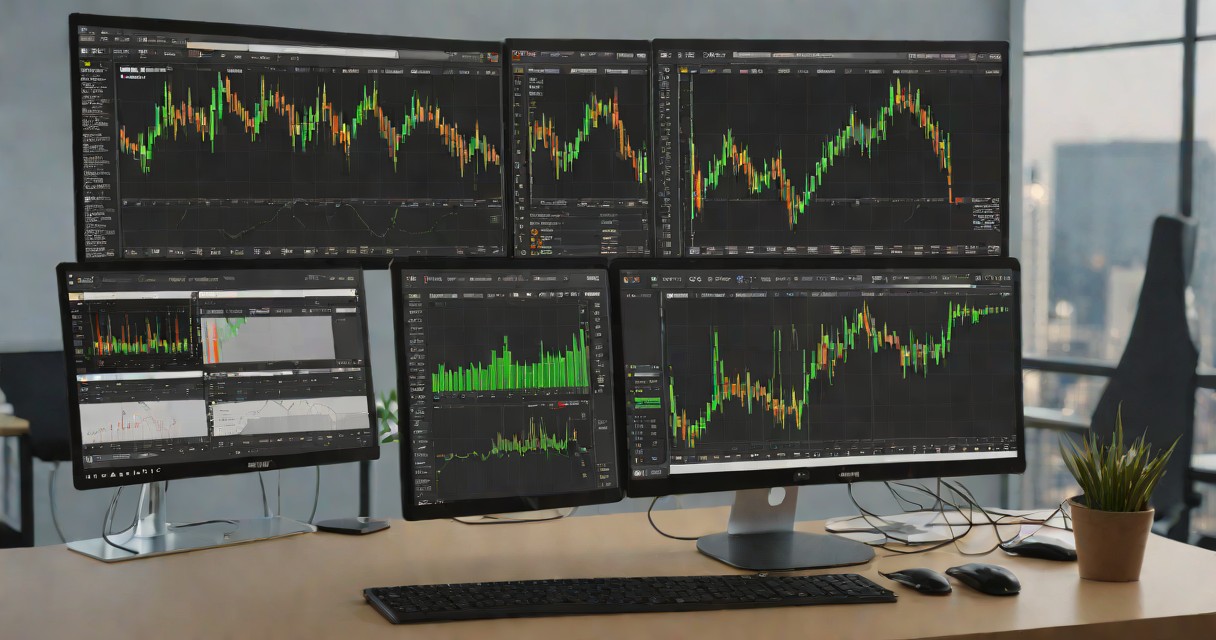
TradingView and MetaTrader are the two dominant platforms in retail forex trading, but they serve fundamentally different purposes. MetaTrader (MT4/MT5) is a broker-connected execution platform where you place and manage live trades. TradingView is primarily a charting and analysis platform that has added broker integration. Choosing between them depends on whether you prioritize execution features or charting capabilities. Many traders use both. This guide compares every major feature to help you decide.
TradingView vs MetaTrader 5: The Core Difference
TradingView is a charting and analysis platform. MetaTrader 5 is a trading execution platform. This fundamental distinction determines everything else in this comparison, and understanding it upfront saves you from the wrong choice.
TradingView excels at analysis — beautiful charts, the largest indicator library in the world, social features, and multi-asset screening across stocks, forex, crypto, and commodities. MetaTrader 5 excels at execution — direct broker integration, algorithmic trading through MQL5, backtesting, and the lowest-latency order placement available to retail traders.
For Indian traders, the answer is increasingly: use both. TradingView for analysis and chart preparation, MT5 for execution through your forex broker. But let me break down each platform so you can decide what fits your specific trading style.
Charting: TradingView Wins Decisively
TradingView's charting engine is the best in the retail trading world. No qualifications needed. Here is what makes it superior:
- 400+ built-in indicators plus 100,000+ community-created indicators through Pine Script. MT5 has 80+ built-in indicators and around 5,000 community indicators through MQL5 marketplace.
- Multi-timeframe analysis on a single chart: Overlay weekly EMAs on a daily chart without switching between tabs. MT5 requires separate chart windows for each timeframe.
- Drawing tools: 80+ drawing tools including Fibonacci extensions, pitchforks, Gann fans, and volume profile. MT5 has about 30 drawing tools — adequate but limited for advanced technical analysis.
- Cross-asset charting: Plot Nifty 50 against S&P 500 on the same chart. Compare TCS with Infosys with a single click. Track USDINR alongside gold. MT5 only shows instruments available through your connected broker.
- Chart layouts: Save multiple layout configurations (e.g., "Nifty Swing Setup", "Forex Evening Session", "Commodity Watch"). Switch between them instantly. MT5 has workspace profiles but they are less intuitive.
TradingView for Indian Markets
TradingView provides real-time NSE and BSE data. The free tier gives you delayed data (15 minutes); the paid plans (starting Rs 995/month for Pro) give you real-time data. For swing traders who analyse after market hours, the free tier is adequate — you do not need real-time data for end-of-day analysis.
Execution: MetaTrader 5 Is Built for This
If TradingView is a research laboratory, MT5 is a trading cockpit. It was designed from the ground up for order execution, position management, and algorithmic trading.
- Direct broker execution: Place orders directly on the chart or through the terminal window. One-click trading with sub-second execution through connected brokers like Exness and XM.
- Order types: Market, limit, stop, stop-limit, trailing stop, and broker-specific order types. MT5 supports pending order modification without cancellation — crucial during fast-moving markets.
- Position management: Real-time P&L display, margin utilisation, swap rates, and commission tracking. MT5 shows your exact cost basis and unrealised P&L for every open position.
- Depth of Market (DOM): MT5 displays the full order book for supported instruments, showing bid/ask volumes at each price level. TradingView does not offer DOM.
TradingView has added broker integration in recent years (you can connect some brokers and trade from TradingView charts), but the execution experience is still inferior to MT5's native functionality. Latency is higher, order management is less granular, and not all Indian-accessible brokers are supported.
Algorithmic Trading: MT5's MQL5 vs TradingView's Pine Script
| Feature | MQL5 (MetaTrader 5) | Pine Script (TradingView) |
|---|---|---|
| Primary Purpose | Live algo execution + backtesting | Indicator creation + backtesting |
| Live Execution | Yes — full automated trading | No (alerts only, no auto-execution) |
| Language Complexity | C-like, moderate learning curve | JavaScript-like, easier to learn |
| Backtesting Quality | Tick-by-tick, realistic slippage simulation | Bar-based, no slippage simulation |
| Optimisation | Multi-parameter genetic optimisation | Manual parameter adjustment only |
| Community Code | 5,000+ free/paid Expert Advisors | 100,000+ free indicators and strategies |
| Debugging | Full IDE with debugger | Browser-based, console output only |
For Indian tech professionals who want to automate forex trading, MT5's MQL5 is the tool. It is a proper programming language with loops, arrays, classes, file I/O, and network calls. You can build Expert Advisors (EAs) that run 24/7, executing trades based on your rules without any manual intervention.
Pine Script, by contrast, is designed for indicator creation and strategy visualisation. You can backtest strategies on TradingView's historical data, but you cannot auto-execute trades. The workflow for Pine Script users: define your strategy in Pine, set alerts, and then manually execute (or use a third-party bridge to forward alerts to MT5 or a broker API). It adds latency and complexity.
Pricing Comparison
| Plan | TradingView | MetaTrader 5 |
|---|---|---|
| Free | 1 chart, 3 indicators, delayed data, ads | Full platform, free (broker provides) |
| Basic Paid | Rs 995/month (Pro) — 2 charts, 5 indicators, real-time data | N/A — MT5 is always free |
| Mid Tier | Rs 1,995/month (Pro+) — 4 charts, 10 indicators | N/A |
| Premium | Rs 3,995/month (Premium) — 8 charts, 25 indicators | N/A |
| Data Feed (India) | NSE real-time included in paid plans | Broker-dependent (forex data free through broker) |
MT5's pricing model is simple: the platform is free, forever. Your broker (Exness, XM, etc.) provides it at no cost because they earn from spreads and commissions on your trades. TradingView's pricing can add up — the Premium plan at Rs 3,995/month is Rs 48,000/year, which is meaningful for a trader with a small account.
Mobile Experience
Both platforms have mobile apps, but they serve different purposes:
- TradingView mobile: Excellent for chart analysis on the go. The app retains most of the desktop charting functionality. Good for checking setups during market hours from your phone.
- MT5 mobile: Good for order management and position monitoring. Charts are functional but limited compared to the desktop version. Best used for managing existing trades, not for detailed analysis.
For Indian traders who check markets during work breaks (which is most of us), the TradingView mobile app is better for analysis. If you need to quickly modify a stop loss or close a position on your forex account, the MT5 mobile app is more responsive for execution.
Which Platform for Which Trading Style?
| Trading Style | Best Platform | Why |
|---|---|---|
| NSE equity swing trading | TradingView | Better charting, NSE data, screening, no execution needed (use Zerodha for orders) |
| Forex scalping/day trading | MetaTrader 5 | Lowest latency execution, one-click trading, EA support |
| Nifty F&O | TradingView + broker app | TradingView for analysis, Zerodha Kite for execution |
| Forex swing trading | Both (TradingView for analysis, MT5 for execution) | Best of both worlds |
| Algo trading (forex) | MetaTrader 5 | MQL5 is the only option for broker-integrated algo execution |
| Multi-asset analysis | TradingView | Cross-asset charting across equities, forex, commodities, crypto |
| Social/community trading | TradingView | Largest trading community, idea sharing, chart publishing |
The Indian Trader's Optimal Setup
After testing both platforms extensively, here is what I recommend for Indian traders in 2026:
- TradingView Pro (Rs 995/month): Your primary analysis platform. Use it for all charting, screening, and multi-timeframe analysis across NSE stocks and forex pairs. Set up chart layouts for your different trading strategies.
- MetaTrader 5 (free through your broker): Your execution platform for forex and CFDs. Connect through Exness (best for tight spreads) or XM (best for bonus/promotions). Use MT5 for order placement, position management, and any automated strategies.
- Zerodha Kite: Your execution platform for NSE equities and F&O. Kite integrates with TradingView natively — you can place Zerodha orders directly from TradingView charts.
Total monthly cost: Rs 995 (TradingView Pro) + Rs 0 (MT5) + standard brokerage. This gives you world-class analysis tools combined with professional-grade execution across both Indian and international markets. It is more than sufficient for any retail trading strategy, from casual swing trading to serious systematic approaches.
Community and Social Features
TradingView has the largest trading community in the world — over 50 million registered users globally, with a significant Indian user base. The Ideas section lets traders publish chart analysis, strategy breakdowns, and market commentary. You can follow successful analysts, comment on ideas, and learn from how experienced traders read charts.
For Indian traders, the TradingView community includes active analysis on Nifty 50, Bank Nifty, and individual NSE stocks. Searching for "RELIANCE" or "NIFTY50" shows dozens of recent analyses from Indian traders using local context. This social learning dimension is something MT5 completely lacks — there is no community feature in MetaTrader.
MT5's equivalent is MQL5.com, a marketplace and forum for Expert Advisors, indicators, and trading signals. But it functions more as a marketplace than a social network. You buy or sell trading tools rather than discussing ideas. For learning, TradingView's community is vastly superior.
Data Coverage for Indian Markets
TradingView provides comprehensive Indian market data: NSE equities, BSE equities, NSE F&O (with options chains), MCX commodities, and NCDEX agricultural commodities. The data feed is sourced from the exchanges and is reliable for end-of-day analysis on the free tier and real-time on paid plans.
MT5's Indian data coverage depends entirely on your connected broker. If you connect through Exness, you get forex, commodity, and index CFD data — but no direct NSE equity data. For pure Indian equity analysis, TradingView is the only option between the two. MT5 shines for forex, global indices (S&P 500, NASDAQ, DAX), and commodity CFDs where it provides tick-by-tick data through your broker's feed.
This is another reason why the dual-platform approach works best for Indian traders: TradingView handles all Indian market analysis and multi-asset research, while MT5 handles execution and automation for international forex and CFD positions. Each platform does what it was designed to do, and the combination gives you capabilities that neither platform provides alone.